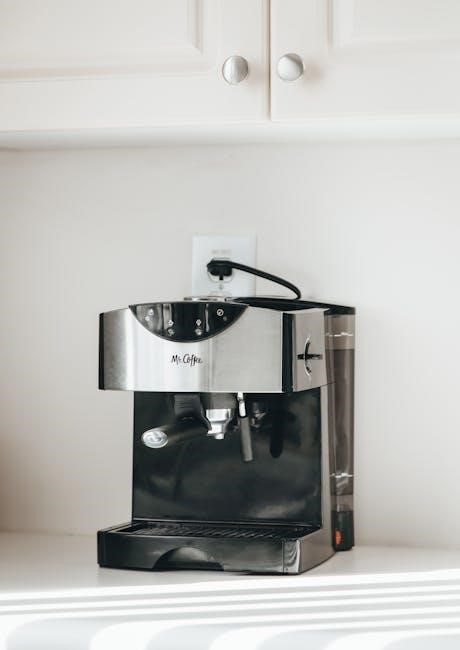
Mr. Coffee Coffee Maker User Manual: A Comprehensive Guide
This comprehensive guide details operation, maintenance, and troubleshooting for your Mr. Coffee machine, ensuring optimal brewing and longevity, with downloadable PDF manuals available.
Understanding Your Mr. Coffee Coffee Maker
Mr. Coffee offers a diverse range of coffee makers, from basic drip models to programmable machines with advanced features. Understanding the core components and functions is key to enjoying consistently delicious coffee. This guide will help you navigate the specifics of your model, whether it’s a simple 12-cup programmable coffee maker or a more specialized unit.
Before first use, familiarize yourself with the machine’s parts – carafe, filter basket, water reservoir, and control panel. Knowing where to find your model number is crucial for accessing the correct user manual and support resources. Detailed manuals, available online in PDF format, provide step-by-step instructions for setup, brewing, and cleaning.
Identifying Model Numbers and Where to Find Them
Locating your Mr. Coffee model number is essential for accessing specific user manuals, troubleshooting guides, and replacement parts. The model number is typically found on a sticker or plate affixed to the bottom or back of the coffee maker. Sometimes, it’s located inside the water reservoir or on the carafe.
Common formats include BVMC-EHX12BL-115 or JWX3. Having this number readily available streamlines the process of finding the correct PDF manual online at mrcoffee.com or manualsbase. Accurate identification ensures you receive tailored support and instructions for your particular machine, maximizing its performance and lifespan.
Initial Setup and First-Time Use
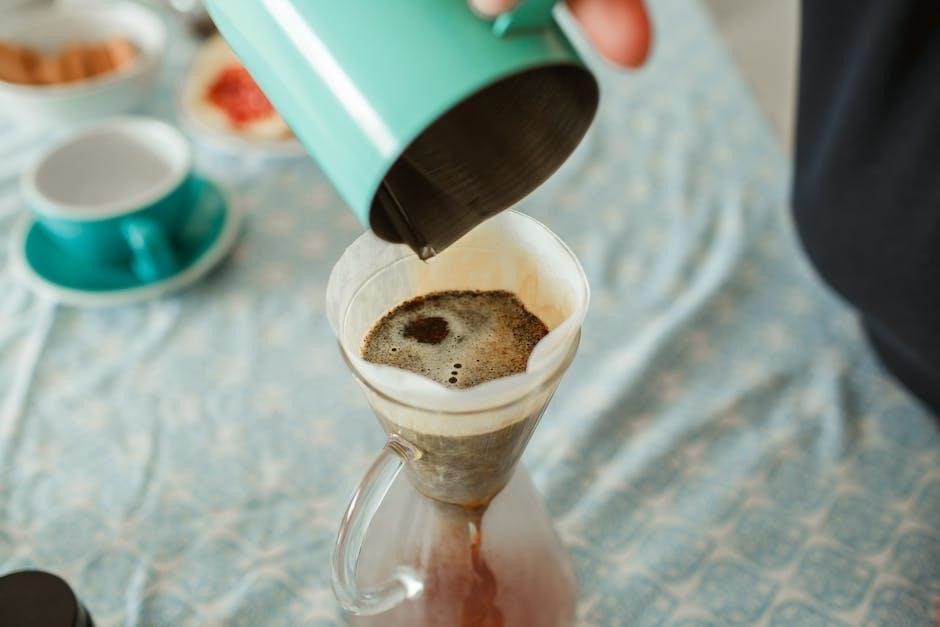
Before your first brew, unpack your Mr. Coffee machine and remove all packaging materials. Wash the carafe, filter basket, and lid with warm, soapy water. Rinse thoroughly. Run a full brewing cycle with only water – typically two to three cycles – to clean the internal components and remove any manufacturing residue.
This initial flushing process is crucial for optimal coffee flavor. Refer to your specific user manual (available as a PDF) for detailed instructions. Ensure the coffee maker is placed on a stable, level surface. Proper setup guarantees a consistently delicious and safe brewing experience.
Parts Identification
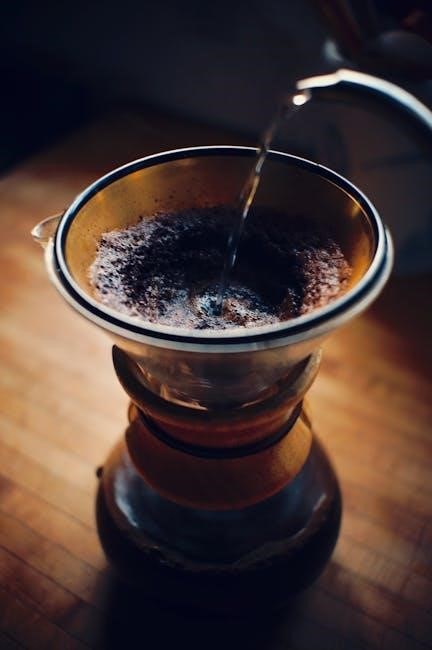
Your Mr. Coffee coffee maker consists of several key components. These include the carafe, designed for holding brewed coffee, and its accompanying lid. The filter basket securely holds the coffee filter and grounds. A removable water reservoir allows for easy filling. Understanding each part’s function is vital for proper operation and maintenance.
Consult your detailed user manual (PDF format) for a labeled diagram illustrating each component. Familiarize yourself with the location of the brew button, water level indicator, and other controls. Knowing your machine’s anatomy simplifies cleaning and troubleshooting, ensuring years of reliable use.
Carafe and Lid
The Mr. Coffee carafe is typically made of glass, designed to withstand heat during the brewing process. Always handle with care to avoid breakage. The lid securely fits onto the carafe, retaining heat and preventing spills. Ensure the lid is properly aligned before pouring coffee.
User manuals (available in PDF) often detail specific cleaning instructions for both the carafe and lid. Avoid abrasive cleaners, as they can damage the glass. Regular cleaning prevents coffee residue buildup, maintaining optimal flavor. Inspect for cracks or chips before each use; a damaged carafe should be replaced.
Filter Basket and Filter Types
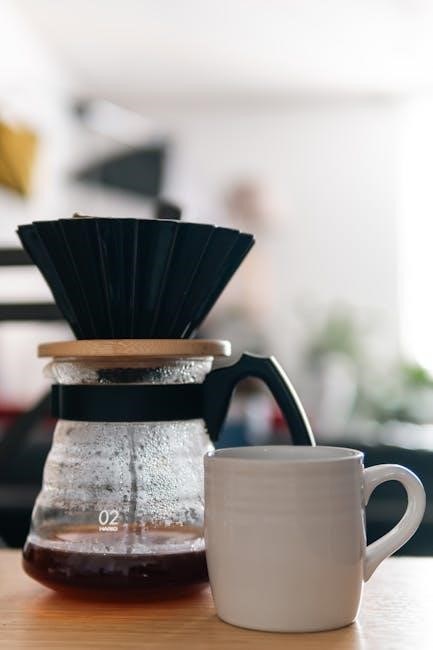
The filter basket holds the coffee filter and grounds during brewing. It’s usually a removable component for easy cleaning. Mr. Coffee machines commonly accept standard #4 cone filters, available in paper or reusable materials. Paper filters are disposable, offering convenience, while reusable filters are eco-friendly and cost-effective.
User manuals (found as PDF downloads) will specify compatible filter types for your model. Using the correct filter ensures proper brewing and prevents grounds from entering your coffee. Regularly clean the filter basket to remove coffee oils and residue, maintaining optimal coffee flavor.
Water Reservoir
The water reservoir is a crucial component, holding the water used for brewing. It’s typically removable for convenient filling and cleaning. Mr. Coffee manuals emphasize using fresh, cold water for the best-tasting coffee. The reservoir often features water level markings to indicate the number of cups you’re brewing.
Regular cleaning is vital to prevent mineral buildup, which can affect brewing performance and coffee flavor. PDF user guides detail descaling procedures. Avoid overfilling the reservoir, and always ensure it’s securely in place before starting the brewing cycle. Proper water levels are key to optimal extraction.
Brewing Coffee: A Step-by-Step Guide
Begin by filling the water reservoir with the desired amount of fresh, cold water, referencing the cup markings. Next, insert a paper filter or a reusable filter into the filter basket. Add ground coffee, typically one to two tablespoons per cup, adjusting to your preference. Ensure the carafe is properly positioned on the warming plate.
Press the “Brew Now” button to start an immediate brewing cycle, or utilize the programmable features for automatic brewing. Mr. Coffee manuals detail these options. Allow the brewing cycle to complete fully before enjoying your coffee. Refer to your user guide for specific model instructions.
Adding Water and Coffee Grounds
To begin, carefully remove the water reservoir and fill it with fresh, cold water, using the water level indicator on the side to measure the desired amount. Return the reservoir to its base, ensuring it’s securely in place. Next, open the filter basket and insert a paper filter or a permanent reusable filter.
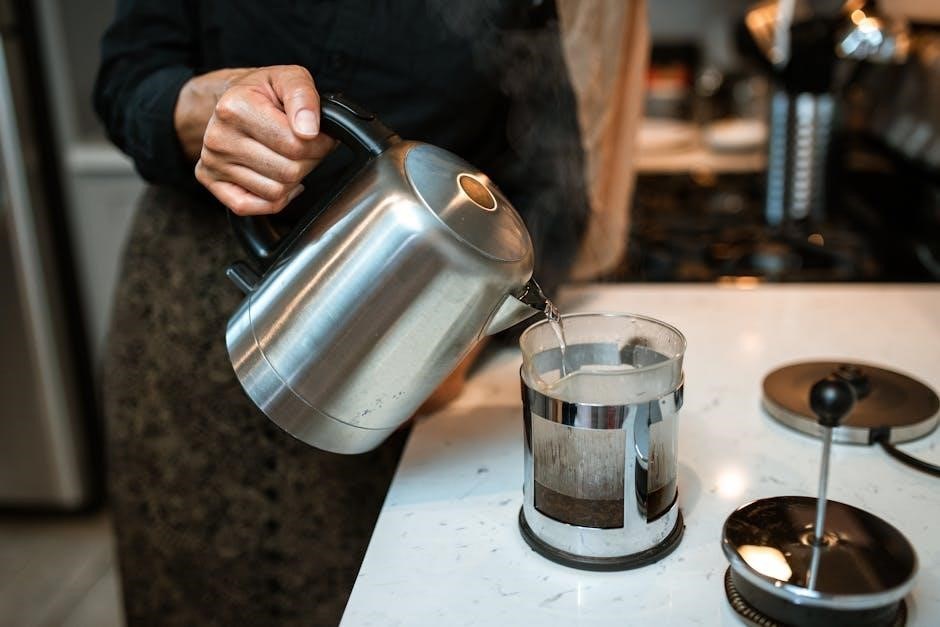
Add ground coffee to the filter, generally one to two tablespoons per six-ounce cup, adjusting to your preferred strength. Mr. Coffee manuals suggest experimenting to find your ideal ratio. Ensure no grounds remain outside the filter to prevent overflow.
Using the Brew Now Function
The Brew Now function allows for immediate coffee brewing. After adding water and coffee grounds (refer to previous section), simply press the “Brew Now” button. The indicator light will illuminate, signaling the brewing process has started.
Mr. Coffee’s 12-cup programmable coffeemaker, as detailed in user manuals, begins dispensing coffee into the carafe. The “Grab-A-Cup Auto Pause” feature (explained later) allows you to briefly interrupt the brewing cycle to pour a cup. Once brewing is complete, the coffee maker will automatically keep warm for a set period, typically four hours, before the auto-shutoff engages.
Programming the Auto Brew Feature
The Auto Brew feature enables you to schedule coffee brewing in advance. First, press the “Program” button. The clock display will flash, prompting you to set the desired brew start time using the “Hour” and “Minute” buttons.
Once the time is set, press “Program” again. The “Auto” indicator light will illuminate, confirming the auto-brew function is activated. Ensure water and grounds are added before the programmed time. Mr. Coffee manuals emphasize checking the time settings periodically, especially after power outages. This ensures your coffee is ready when you are!
Special Features Explained
Mr. Coffee machines boast several convenient features enhancing your brewing experience. Grab-A-Cup Auto Pause allows you to briefly interrupt the brewing cycle to pour a cup mid-brew without spills. The Strong Brew Selector optimizes brewing for a bolder, more robust coffee flavor.
Furthermore, the Auto Shut-Off Function automatically turns off the coffee maker after a set period (typically four hours), providing safety and energy conservation. User manuals detail how to utilize these features effectively. These features, as highlighted in Mr. Coffee documentation, contribute to ease of use and customized brewing.
Grab-A-Cup Auto Pause
The Grab-A-Cup Auto Pause feature is a standout convenience offered by many Mr. Coffee models. This function temporarily halts the brewing process when the carafe is removed, allowing you to pour yourself a cup of coffee before the entire pot is finished brewing.
Simply lift the carafe, and the flow of coffee will stop automatically, preventing drips and messes. Replace the carafe within a short timeframe, and brewing will resume seamlessly. User manuals emphasize this feature’s safety and practicality, ensuring a hot, fresh cup whenever you desire, without waiting for the full cycle.
Strong Brew Selector
The Strong Brew Selector, available on select Mr. Coffee models, caters to those who prefer a bolder, more robust coffee flavor. This feature optimizes the brewing process to extract maximum flavor from your coffee grounds.
Activating the Strong Brew typically involves pressing a dedicated button before initiating the brewing cycle. This adjustment often slows down the water flow, increasing the contact time with the coffee grounds, resulting in a richer, more intense brew. User manuals detail how to utilize this selector, ensuring a customized coffee experience tailored to individual preferences.
Auto Shut-Off Function
The Auto Shut-Off function is a crucial safety feature found in most Mr. Coffee coffee makers. Designed for peace of mind and energy conservation, it automatically turns the coffee maker off after a period of inactivity, typically four hours after brewing is complete.
This prevents overheating and potential hazards, even if the unit is accidentally left on. User manuals clearly state the duration of the auto shut-off for each specific model. This feature enhances safety and contributes to a more convenient coffee-making experience, offering worry-free operation.
Cleaning and Maintenance
Regular cleaning is vital for optimal performance and longevity of your Mr. Coffee machine. Daily cleaning involves washing the carafe, filter basket, and lid with warm, soapy water. Periodically, you’ll need to descale the coffee maker to remove mineral buildup, which impacts brewing quality.
User manuals provide detailed descaling instructions, often recommending a solution of vinegar and water. Consistent maintenance prevents clogs, ensures fresh-tasting coffee, and extends the lifespan of your appliance. Ignoring these steps can lead to malfunctions and reduced brewing efficiency.
Daily Cleaning Procedures
After each use, unplug your Mr. Coffee machine and allow it to cool completely. Remove the filter basket and discard the used coffee grounds and filter. Wash the basket and carafe with warm, soapy water, rinsing thoroughly to remove any residue. The carafe and lid are often dishwasher safe, but check your user manual for specifics.
Wipe down the exterior of the coffee maker with a damp cloth. Avoid abrasive cleaners, as they can damage the finish. Consistent daily cleaning prevents coffee oils and mineral buildup, ensuring fresh-tasting coffee and prolonging the machine’s life.
Descaling Your Coffee Maker
Over time, mineral deposits from water can accumulate inside your Mr. Coffee machine, affecting performance. Descale every 1-3 months, depending on water hardness. Mix equal parts white vinegar and water, then pour the solution into the water reservoir. Run a full brewing cycle without coffee grounds.
Repeat with a fresh vinegar-water solution. Finally, run two full cycles with fresh water to rinse away any remaining vinegar taste and odor. Refer to your user manual for specific descaling instructions for your model, as procedures may vary.
Cleaning the Carafe and Filter Basket
Regular cleaning of the carafe and filter basket is crucial for optimal coffee flavor. After each use, wash both components with warm, soapy water. For stubborn coffee stains in the carafe, create a paste of baking soda and water, gently scrub, and rinse thoroughly. The filter basket can also be cleaned with this paste.
Ensure all soap residue is removed before reuse. Both the carafe and basket are typically dishwasher safe (top rack recommended), but always check your user manual for specific model instructions. Avoid abrasive cleaners that could damage the surfaces.
Troubleshooting Common Issues
Experiencing problems? If your Mr. Coffee isn’t turning on, check the power cord and outlet. Slow brewing often indicates mineral buildup – descaling is recommended. Coffee overflowing can result from overfilling the water reservoir or using too fine a coffee grind.
Consult your user manual for specific error codes or solutions; Ensure the carafe is properly positioned; If issues persist, avoid disassembling the unit; contact Mr. Coffee customer support. Regularly cleaning and descaling prevent many common problems, ensuring consistent performance and extending the lifespan of your coffee maker.
Coffee Maker Not Turning On
If your Mr. Coffee fails to power on, first verify the unit is securely plugged into a functioning electrical outlet. Test the outlet with another device to confirm it’s providing power. Inspect the power cord for any visible damage, such as cuts or fraying.
Check if the auto-shutoff feature has been activated; some models have a reset button. Refer to your user manual for specific instructions related to your model. If the problem continues, avoid attempting self-repair and contact Mr. Coffee customer support for assistance.
Coffee Brewing Too Slowly
Slow brewing often indicates mineral buildup within your Mr. Coffee machine. This restricts water flow, extending the brewing time. Descaling is crucial; use a descaling solution or a mixture of vinegar and water, following your user manual’s instructions. Ensure the filter basket isn’t overfilled with coffee grounds, as this can also impede water flow.
Check for any obstructions in the water reservoir or spray head. A clogged spray head significantly slows the brewing process. Regular cleaning, as outlined in the maintenance section of your manual, prevents these issues.
Coffee Overflowing
Coffee overflowing is typically caused by overfilling the water reservoir or using too much coffee grounds in the filter basket. Always adhere to the maximum fill lines indicated on your Mr. Coffee machine and within the user manual. Ensure you’re using the correct filter size; an improperly sized filter can lead to grounds escaping.
A clogged spray head can also contribute to overflow. Descale your coffee maker regularly to prevent mineral buildup. Verify the carafe is correctly positioned on the warming plate, as misalignment can cause spillage. Refer to the troubleshooting section of your manual for detailed guidance.
Safety Precautions
Always operate your Mr. Coffee coffee maker on a stable, heat-resistant surface. Never immerse the appliance, cord, or plug in water or other liquids to prevent electric shock. Keep the appliance out of reach of children. Avoid touching hot surfaces like the warming plate during or immediately after brewing.
Unplug the coffee maker before cleaning and allow it to cool completely. Do not operate the appliance with a damaged cord or plug. Use caution when handling hot coffee and the carafe. Refer to the user manual for complete safety guidelines and warnings to ensure safe operation.
Warranty Information
Mr. Coffee provides a limited warranty covering defects in materials and workmanship for a specified period, typically one year from the date of purchase. This warranty doesn’t cover damage resulting from misuse, accidents, or unauthorized repairs. Proof of purchase is required to make a warranty claim.
To initiate a claim, contact Mr. Coffee customer support through their website or phone number. The warranty covers repair or replacement of the defective product, at Mr. Coffee’s discretion. Refer to your product’s user manual for the complete warranty details and limitations.
Downloading User Manuals Online
Accessing your Mr. Coffee user manual online is simple! Visit the official Mr. Coffee website (www.mrcoffee.com) and navigate to the “Support” or “Customer Care” section. There, you’ll find a searchable database of manuals, categorized by model number. You can download manuals in PDF format for free, offering detailed instructions and diagrams.
Alternatively, websites like ManualsBase and the Internet Archive host extensive collections of Mr. Coffee manuals. Ensure you select the manual corresponding to your specific model for accurate guidance. Having a digital copy is convenient for quick reference and troubleshooting.
Finding Replacement Parts and Accessories
Maintaining your Mr. Coffee maker often requires replacing parts over time. The official Mr. Coffee website is a primary source for genuine replacement components like carafes, lids, and filter baskets. Several online retailers, including Amazon and specialized appliance parts stores, also carry a wide selection of Mr. Coffee accessories.
When searching, always have your model number handy to ensure compatibility. Consider searching for “Mr. Coffee BVMC-EHX12BL-115 parts” (or your specific model) for targeted results. Genuine parts guarantee optimal performance and safety.
Mr. Coffee BVMC-EHX12BL-115 Specifics
The Mr. Coffee BVMC-EHX12BL-115 is a 12-cup programmable coffee maker known for its simplicity and reliability. Key features include the “Grab-A-Cup Auto Pause” allowing interruption of the brewing cycle, and a “Strong Brew Selector” for bolder coffee. It also boasts a 4-hour auto shut-off for safety and energy conservation.
Programming the auto brew is straightforward, enabling users to wake up to freshly brewed coffee. The user manual, available as a PDF download, provides detailed instructions on all functions. Regular descaling is recommended to maintain optimal performance of this popular model.
Mr. Coffee Bread Maker BMR 200 Overview
The Mr. Coffee BMR 200 is a versatile bread maker capable of producing loaves ranging from 1 to 1.5 pounds. It offers various pre-programmed settings, including basic, whole wheat, French, and sweet bread options. A delay start function allows for convenient, timed baking, ensuring fresh bread is ready when desired.
The included user manual, readily available as a PDF download, guides users through each step of the bread-making process. It details ingredient measurements, cycle selections, and cleaning procedures. This model simplifies home baking, offering consistent results with minimal effort.
Mr. Coffee JWX3 Model Details
The Mr. Coffee JWX3 is a 12-cup programmable coffee maker designed for convenience and ease of use. It features a “Grab-A-Cup Auto Pause” allowing users to pour a cup mid-brew without making a mess. The model also boasts a “Strong Brew” selector for those who prefer a bolder coffee flavor.
Detailed user manuals, available for free PDF download, provide comprehensive instructions on operation, cleaning, and troubleshooting. These guides cover everything from initial setup to programming the auto-brew function, ensuring optimal performance and a consistently delicious cup of coffee.